How to post a decision in YakComms
Decisions buried in a long chat get re-litigated a month later. Posting one as a Decision labels it in the room, so your team and your client can find what was agreed and when.
Before you start
- Access to a room
Plays silently with captions; the narrated version is on its way.
Transcript
Make an agreement easy to find later by posting it as a decision.
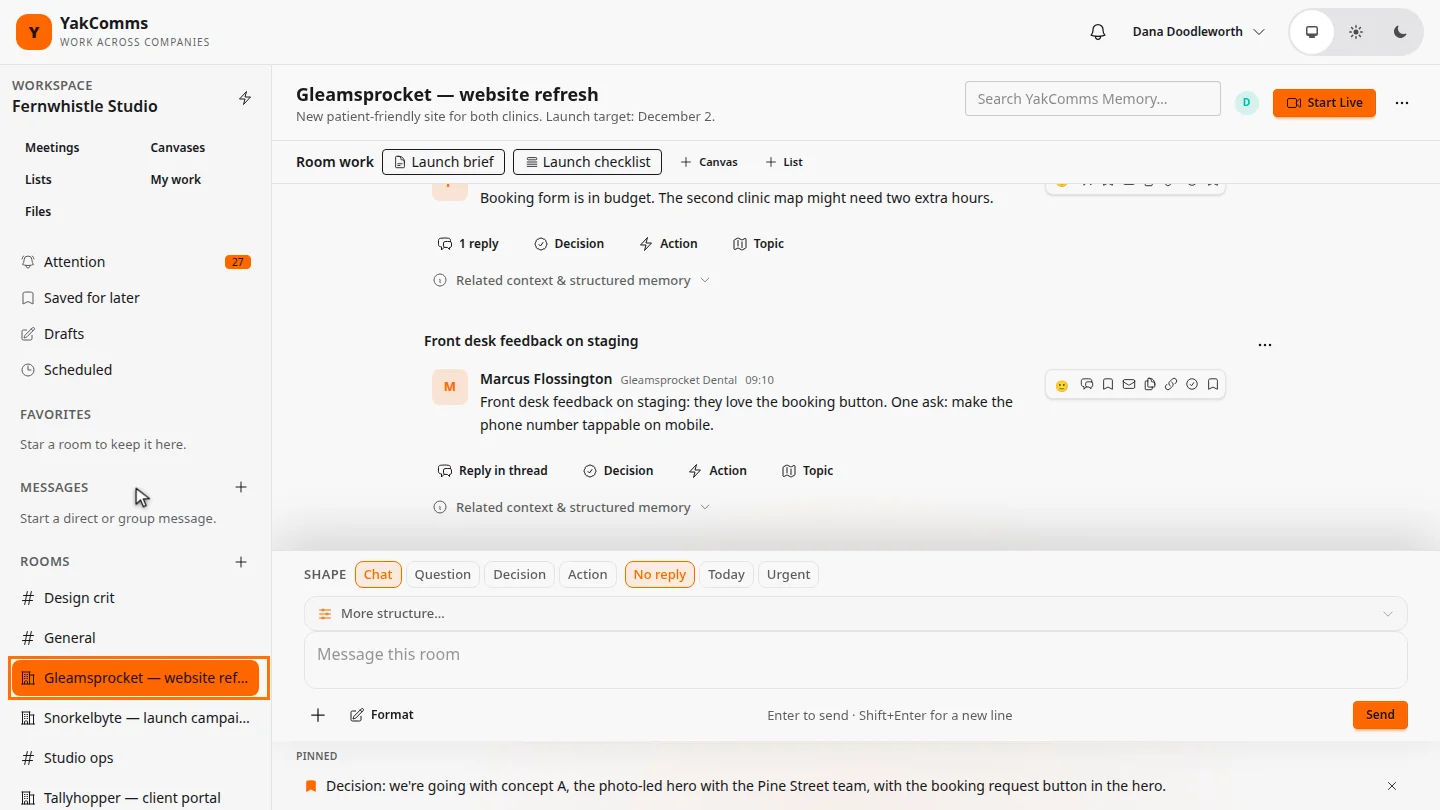
Open the client's room from the sidebar. Here, the team has been asking who signs off the patient forms page.
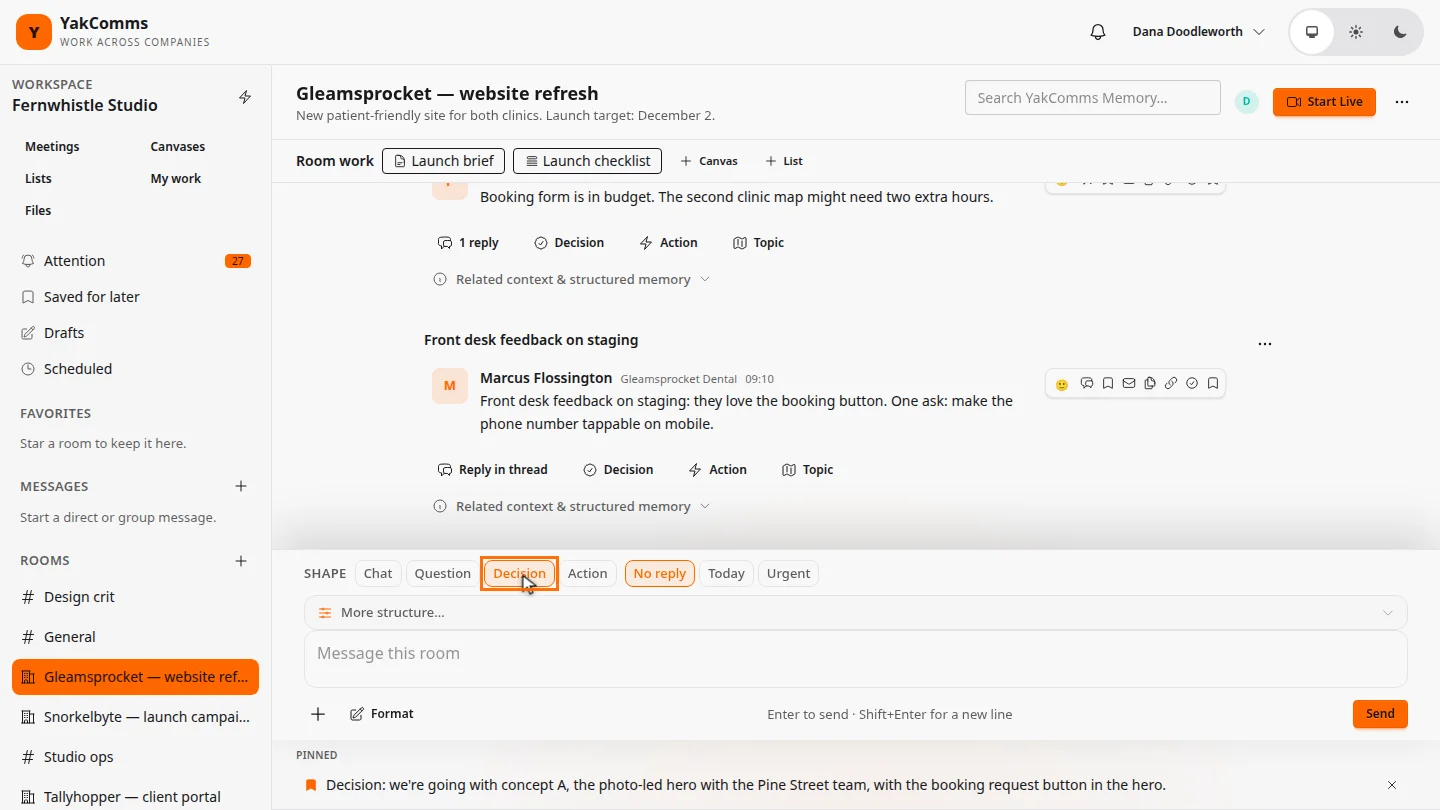
In the composer, under Shape, select Decision. Chat is the default, so this tells everyone the message records an agreement.
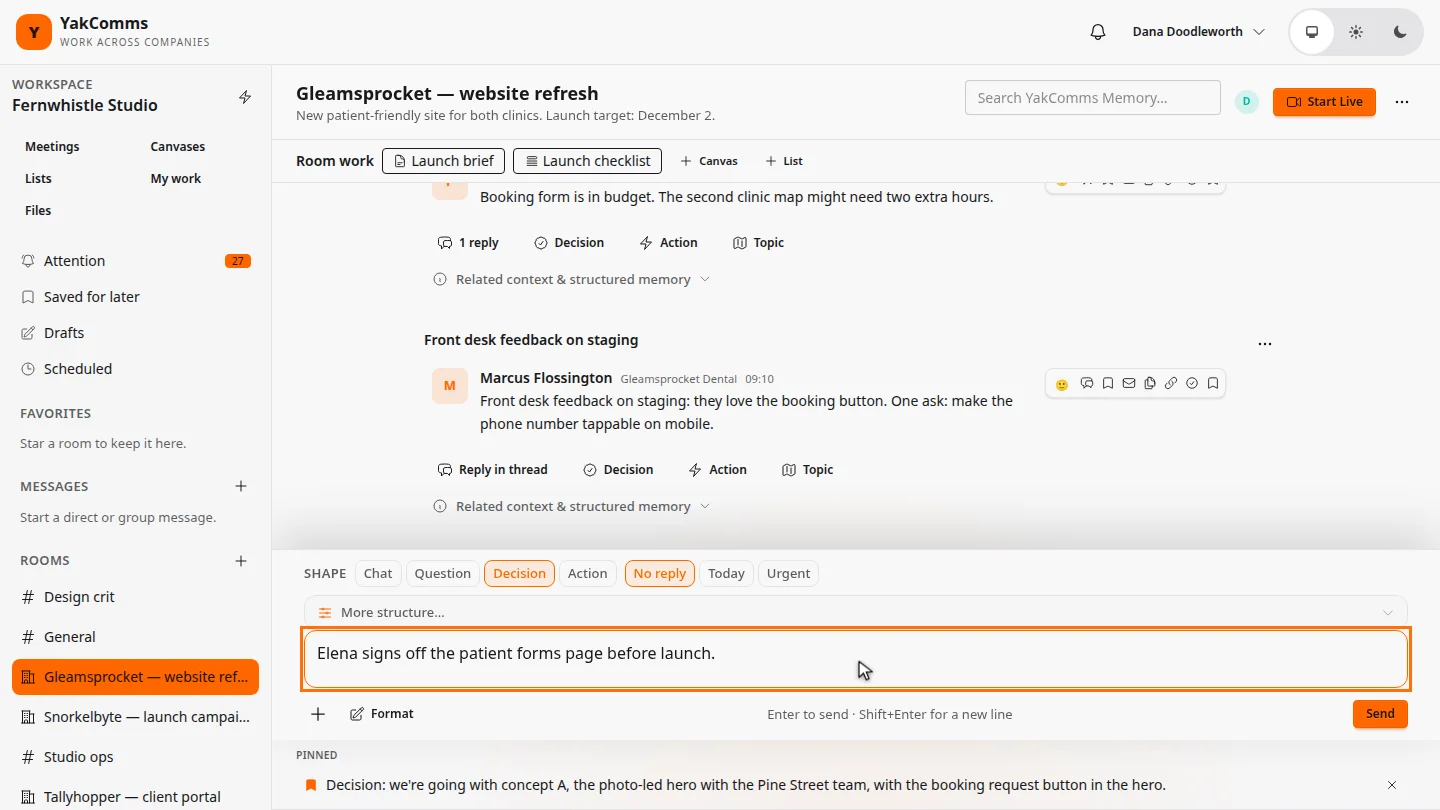
Write the decision in one clear sentence, including who owns it.
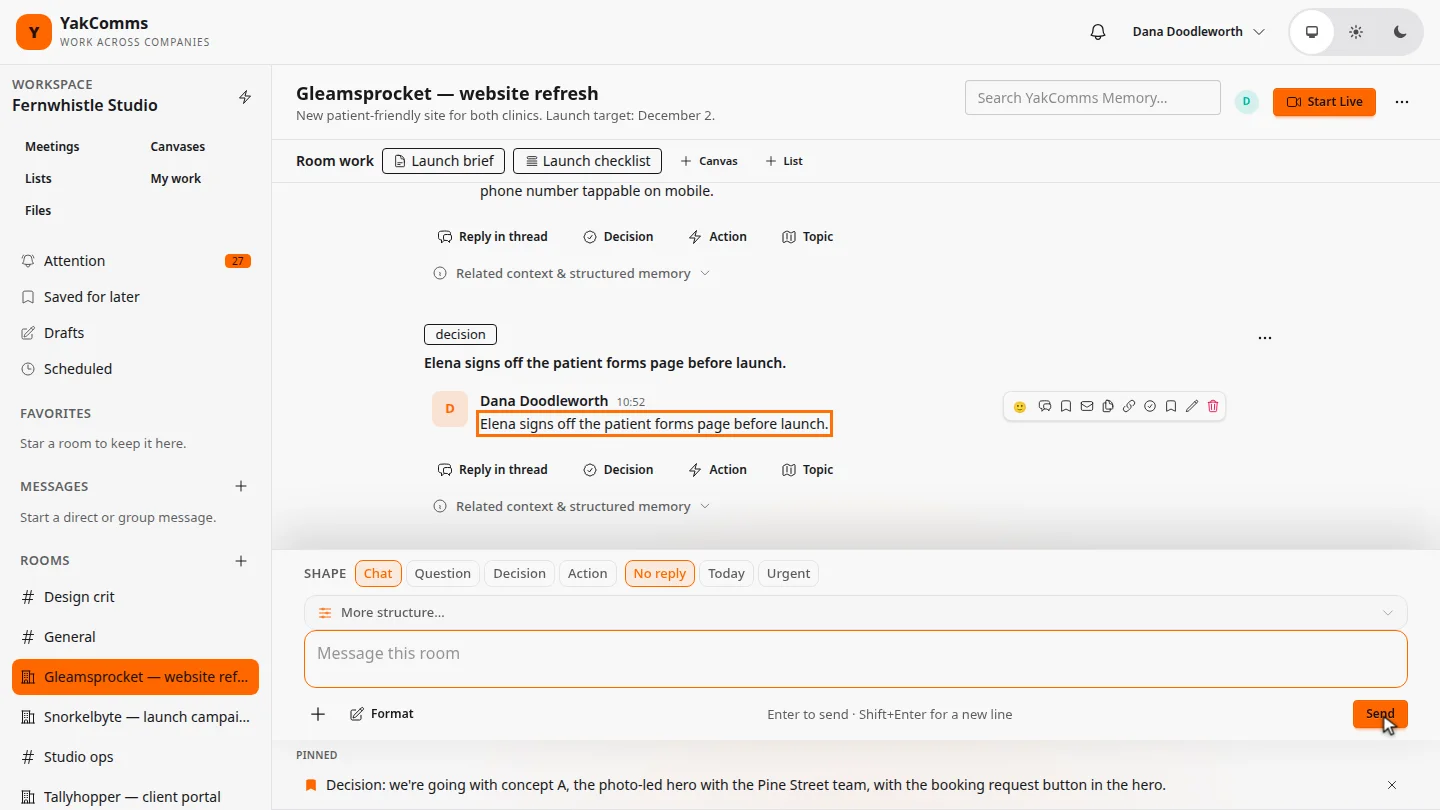
Select Send. The message appears in the room labelled decision, where everyone in the room can find it.
Steps
Open the room ▶ 0:06
In the sidebar, under Rooms, select the room. This example uses Gleamsprocket — website refresh.
Choose Decision ▶ 0:14
In the composer, next to Shape, select Decision.
Write the decision ▶ 0:23
In the message box, write the decision in one sentence.
Send it ▶ 0:28
Select Send. The message appears in the room with a decision label.
Next steps
Updated 2026-10-26
record decision decision log agreed sign off structured message