How to create a legal hold in YakComms
When a dispute or audit is coming, you must keep the related conversations even if your retention policy would delete them. A legal hold preserves a room, or the whole account, until you release it.
Before you start
- Business plan (or Business trial)
Plays silently with captions; the narrated version is on its way.
Transcript
Preserve a client's conversations for a dispute or audit, whatever your retention policy says.
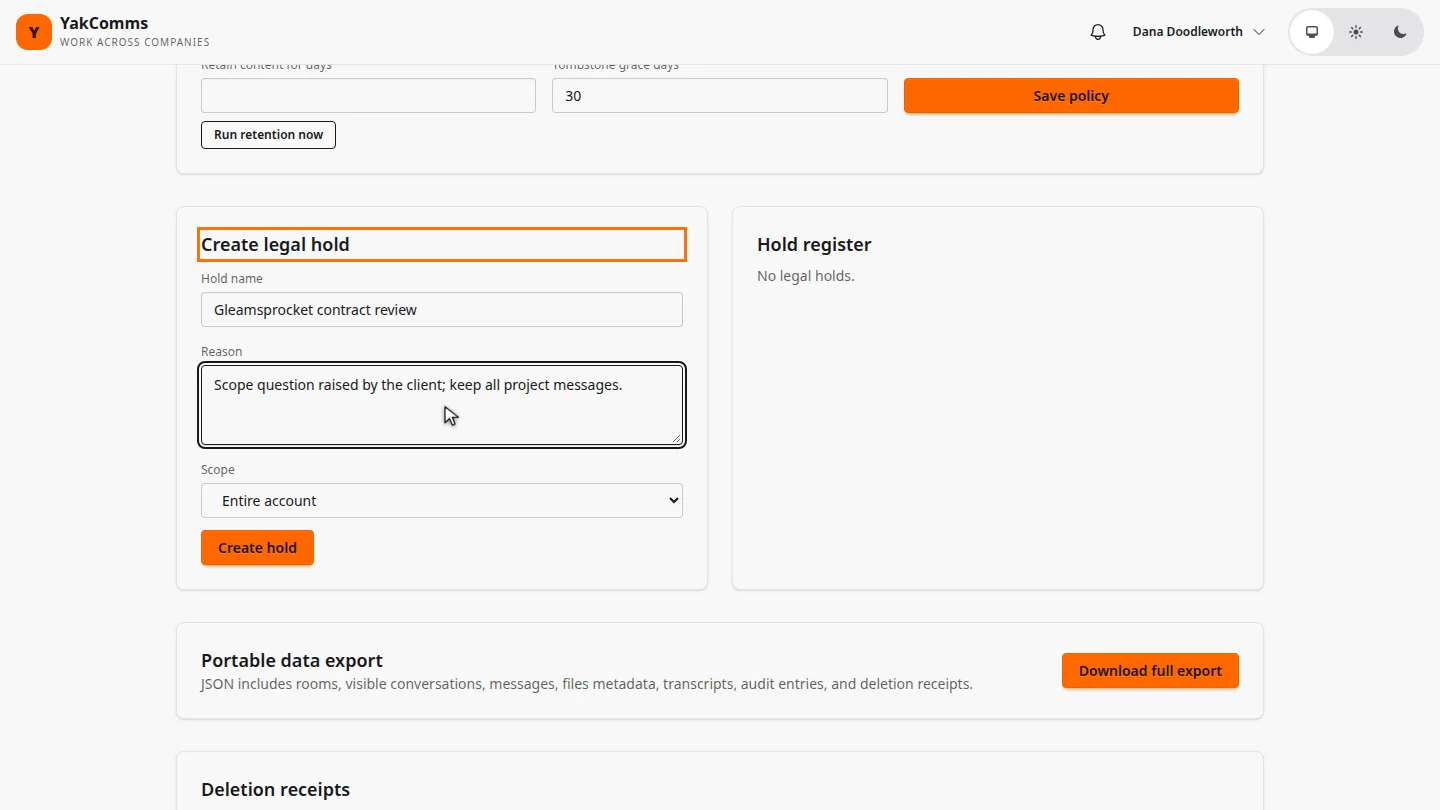
Open Governance from your account menu. Under Create legal hold, give the hold a name and explain why it exists.
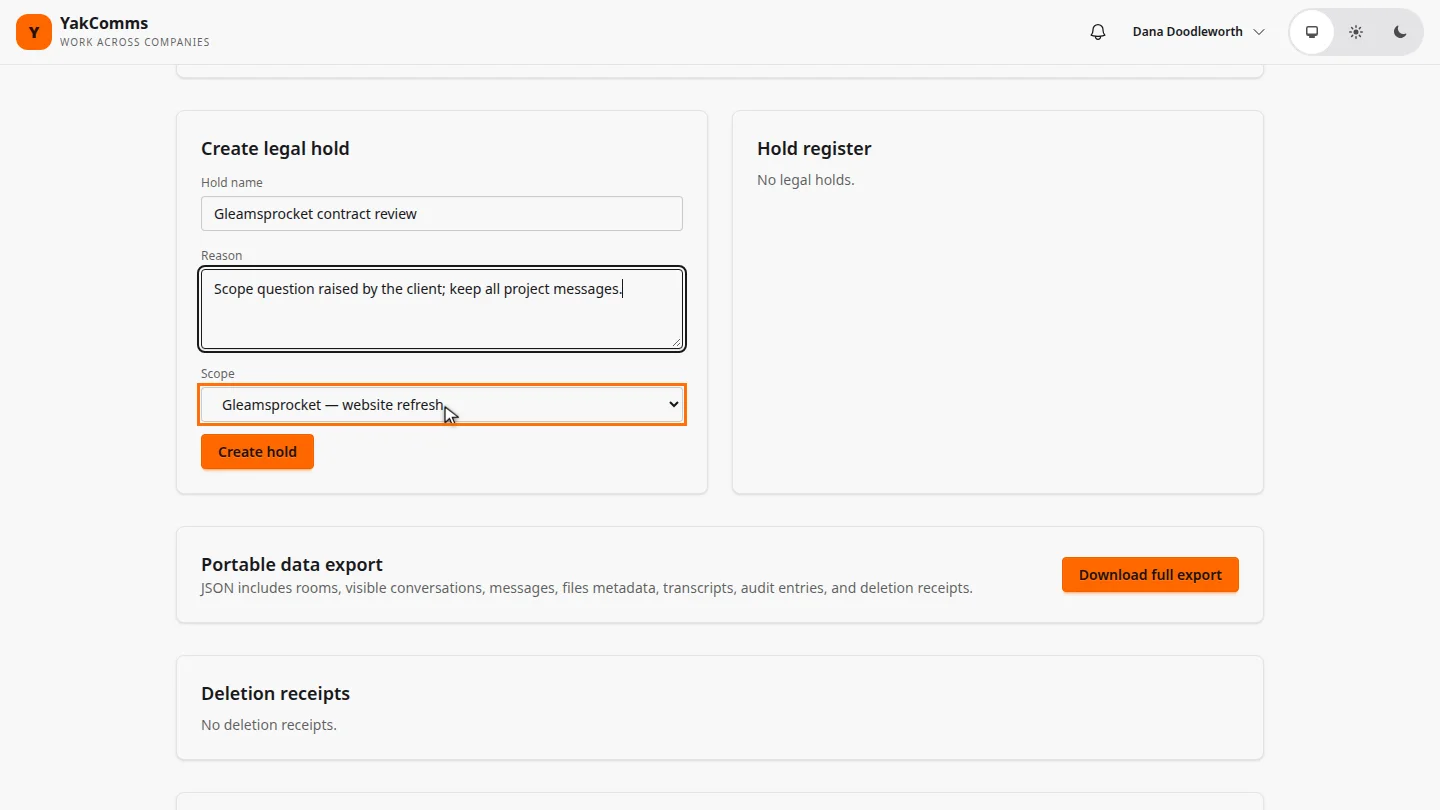
Choose the scope: the entire account, or a single room. Here, only the Gleamsprocket room.
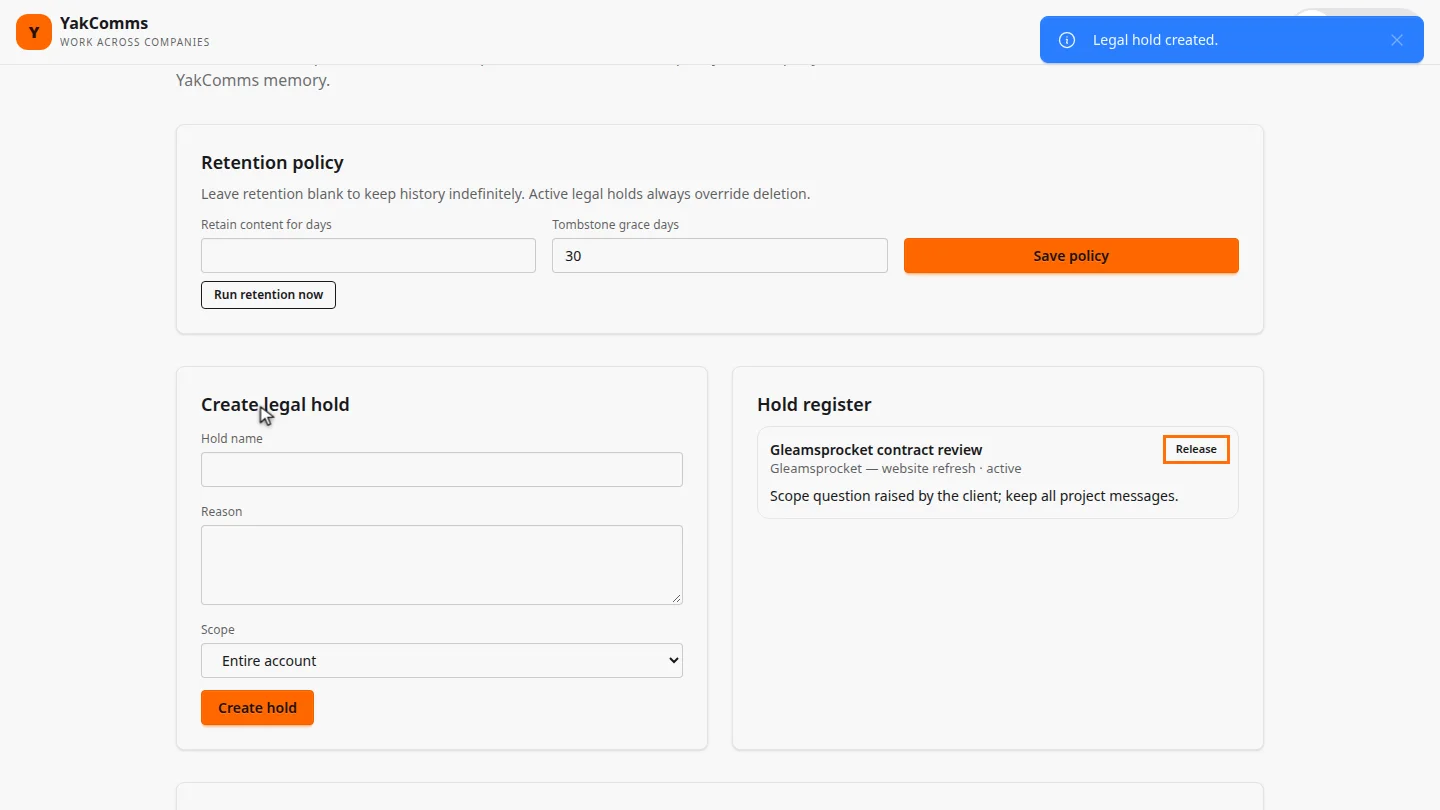
Select Create hold. The hold is listed in the Hold register, and that room's content is kept until you release it.
Steps
Name the hold ▶ 0:08
From your name menu, select Governance. Under Create legal hold, enter a Hold name and a Reason.
Choose the scope ▶ 0:16
For Scope, choose Entire account or one room.
Create the hold ▶ 0:23
Select Create hold. Legal hold created. appears and the hold is listed in the Hold register.
Next steps
Updated 2026-10-26
legal hold litigation hold preserve messages ediscovery retention